DLIMS e-License Punjab
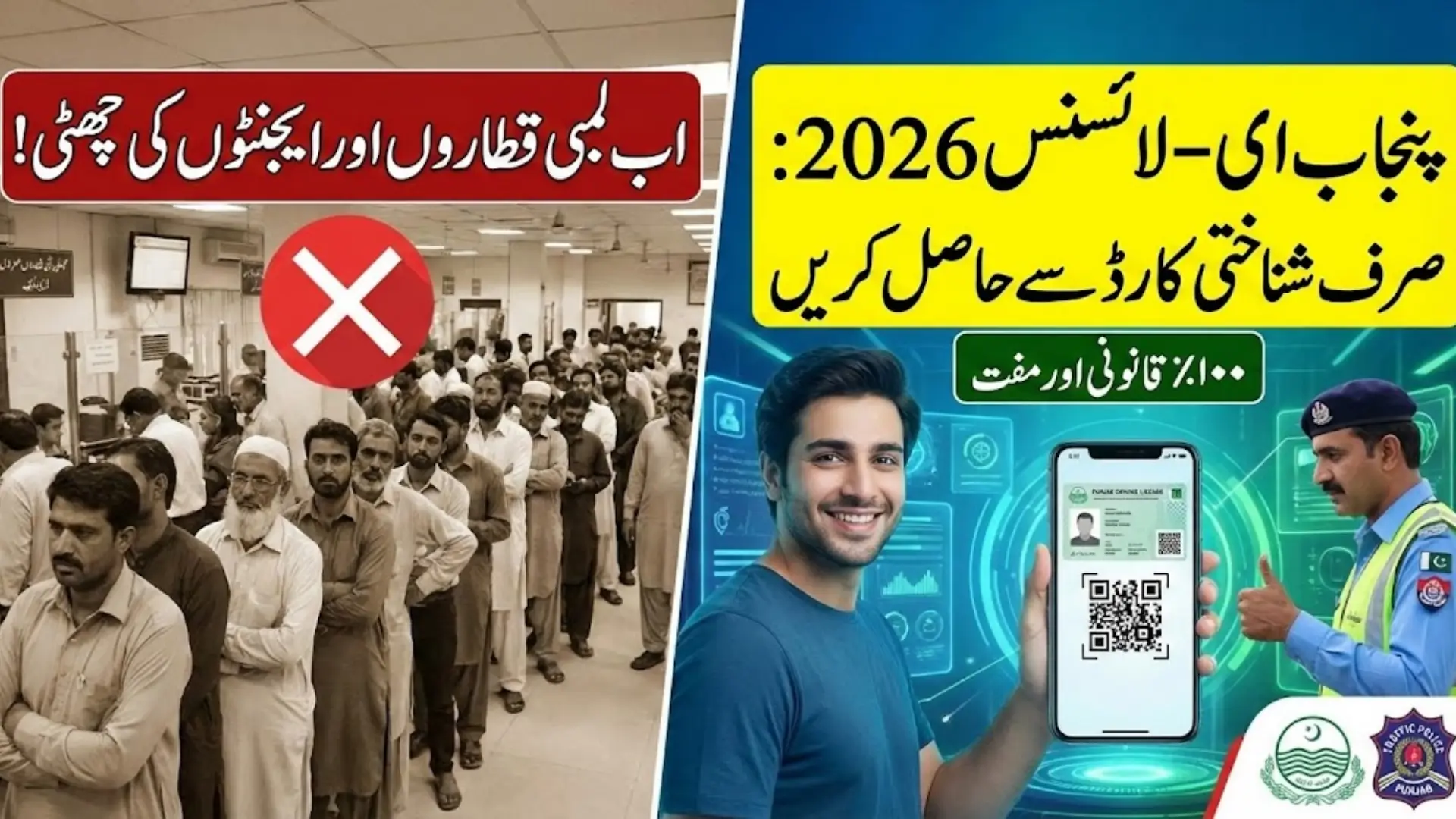
DLIMS e-License Punjab In recent years, I have closely observed how ordinary citizens in Punjab struggle with basic government services, especially those linked to traffic police offices. Long queues, repeated visits, missing records, and unclear procedures were once considered normal. In 2026, the DLIMS e-License Punjab has changed this reality to a large extent. Now, drivers can access their legally valid digital driving license online using only their CNIC, without standing in lines or paying agents.
This article is written from a ground-level perspective, keeping Pakistani readers in mind. It explains the DLIMS e-License system in simple, human language, covering how it works, who can use it, and why it matters in daily life. The goal is to help even an ordinary citizen understand and confidently use this digital facility.
You Can Also Read: E Challan Check By Vehicle Number
Digital Driving License System in Punjab 2026
Punjab’s move toward digital governance did not happen overnight. Over time, traffic authorities realized that manual systems were slow, error-prone, and stressful for both citizens and staff. I have personally seen people take leave from work just to visit licensing centers, only to be told to come back another day. The DLIMS system was introduced to reduce these problems and make services accessible from home.
By 2026, the digital driving license system has become more stable and reliable. The e-License is part of this system, allowing instant access to license data through the official portal. This shift has reduced unnecessary interactions with offices and improved transparency in license verification during traffic checks.
Key objectives of this digital system include:
- Reducing overcrowding at traffic police offices
- Eliminating manual record errors
- Providing faster verification for traffic police
- Making services accessible across urban and rural Punjab
Understanding the DLIMS Online e-License Concept
The DLIMS e-License is the official electronic form of a driving license issued by the Punjab Traffic Police. It contains all essential details that appear on a physical license card but is available in digital format. From my experience, many drivers initially doubt whether a digital document can replace a card, but practical use has proven otherwise.
This e-License can be viewed on a mobile phone, saved as a PDF, or printed if required. Traffic wardens are trained to verify it using the built-in QR code, which directly links to government records. This system ensures that the license is genuine and up to date.
The DLIMS e-License typically shows:
- Full name of the license holder
- CNIC number
- Driving license number
- Date of issue and expiry
- Allowed vehicle categories
- Secure QR code for verification
You Can Also Read: CM Punjab Hunarmand Program 2026 December
Legal Authority and Acceptance of DLIMS e-License
One of the most common questions I hear from drivers is about legality. Many people worry that a digital license may cause trouble during traffic checks. Based on official policy and on-ground observation, the DLIMS e-License is fully recognized and legally valid within Punjab.
Traffic police officers can instantly verify the license by scanning the QR code or checking it against the CNIC in the DLIMS database. In practice, this often speeds up inspections and reduces unnecessary arguments. The system also helps officers quickly identify expired or suspended licenses.
The DLIMS e-License is accepted for:
- Routine traffic police inspections
- Vehicle rental and leasing verification
- Employment and job-related checks
- Insurance documentation
- Inter-city travel checks within Punjab
You Can Also Read: EOBI Status Check by CNIC Online 2026
Eligibility Criteria for CNIC-Based e-License Access
Not every driver is eligible to download an e-License. The system is specifically designed for people who already hold a permanent driving license issued by Punjab. This condition helps maintain accuracy and prevents misuse of the digital platform.
From what I have seen, most problems arise when people try to access the e-License with incomplete or outdated records. If your license is active and properly linked with your CNIC, the process is smooth and quick.
You can access the DLIMS e-License if:
- You have a valid permanent Punjab driving license
- Your license is active and not expired or suspended
- Your CNIC is correctly linked in the DLIMS database
Learner permit holders are not eligible for this service.
You Can Also Read: BISP 8171: Check Results Online
Basic Information Required Before Starting
Before visiting the DLIMS portal, it is important to ensure that your information is correct. Many citizens assume the system is faulty when, in reality, the issue is incorrect CNIC entry or an unupdated record. I have seen people resolve their problem simply by correcting one digit.
The process itself is simple and does not require any advanced technical skills. Anyone who can use a smartphone or basic internet can complete it easily.
You only need:
- A 13-digit CNIC number without dashes
- A registered Punjab driving license
- Internet access on mobile or computer
- Space on your phone or a PDF viewer
Navigating the DLIMS Online Portal Safely
The official DLIMS portal is designed to be straightforward and user-friendly. There is no requirement to create an account, remember passwords, or download any application. This simplicity makes it accessible to a wider population, including older users.
However, citizens must remain cautious. I have noticed an increase in fake websites and agents claiming to provide paid services for free facilities. Using only the official portal protects your personal data and prevents unnecessary problems.
Important safety tips:
- Use only the official Punjab DLIMS website
- Never share CNIC details on unofficial links
- Avoid agents asking for money for e-License downloads
CNIC-Based e-License Retrieval Process Explained
The CNIC-based retrieval process is the core feature of the DLIMS e-License system. Once you enter your CNIC and complete the captcha, the system searches the official database and displays your license details if available. This automation reduces human involvement and speeds up the process.
In real-world use, I have seen drivers complete this process within minutes, even on mobile phones. The key is entering accurate information exactly as recorded in the system.
Below is a simple overview of the process:
| Step | What You Need to Do |
|---|---|
| Step 1 | Open the official DLIMS portal |
| Step 2 | Select e-License or license verification option |
| Step 3 | Enter your 13-digit CNIC |
| Step 4 | Complete the captcha |
| Step 5 | View and download your e-License |
Accessing, Saving, and Using the Digital License
Once your DLIMS e-License appears on the screen, you can download it as a PDF file. Most drivers prefer saving it on their mobile phone so it is always available during travel. From my observation, this habit reduces stress during sudden traffic checks.
Some people also print a copy and keep it in their vehicle as a backup. This is especially useful for long journeys or areas with weak internet connectivity.
Best practices include:
- Saving the PDF on your phone
- Keeping a backup in email or cloud storage
- Printing a copy for long-distance travel
You Can Also Read: 8171 Web Portal 2026 For Online Registration
QR Code Verification and Anti-Fraud Protection
The QR code on the DLIMS e-License plays a vital role in preventing fake licenses. When scanned, it instantly connects to the official database and confirms whether the license is genuine. This feature has significantly reduced the circulation of counterfeit documents.
Traffic police officers rely on this system because it provides quick and accurate results. From a citizen’s perspective, it builds confidence that their document is trusted and verifiable.
Verification methods include:
- QR code scanning by traffic police
- CNIC-based verification on DLIMS portal
- License number matching in official records
Common Technical Issues and Practical Fixes
Despite being efficient, the system is not completely free from issues. The most common problem I have seen is CNIC not found, which usually means the license record is not properly digitized. In such cases, visiting a licensing center is the only solution.
Another frequent issue is an expired license. The system automatically blocks e-License generation for expired records, encouraging timely renewal.
Typical problems include:
- CNIC mismatch in records
- License expired or suspended
- Website slow due to heavy traffic
You Can Also Read: 8171 Web Portal Payment Status Check Rs. 13,500 BISP Payment
Advantages of Using DLIMS e-License in Daily Life
The DLIMS e-License offers practical benefits for both citizens and authorities. Drivers no longer need to worry about losing their physical license or forgetting it at home. From my experience, this convenience alone makes a big difference in daily commuting.
The system also supports environmental goals by reducing paper usage and improves governance by keeping records centralized and transparent.
Main advantages are:
- Instant and free access
- No need to carry physical license everywhere
- Secure and verifiable document
- Time-saving for citizens and officials
You Can Also Read: Apni Zameen Apna Ghar Online Apply Registration
Final Thoughts
DLIMS e-License Punjab represents a positive step toward modern public services in Pakistan. It shows how technology, when implemented correctly, can solve real problems faced by ordinary people. From reducing office visits to simplifying traffic checks, this system has practical value.
As someone who has closely observed public service delivery, I believe that keeping your CNIC and license data updated and using official digital platforms is the way forward. In 2026, the DLIMS e-License is not just an option; it is a smart and responsible choice for every licensed driver in Punjab